
Made for the floor, not for a lab
Hands free
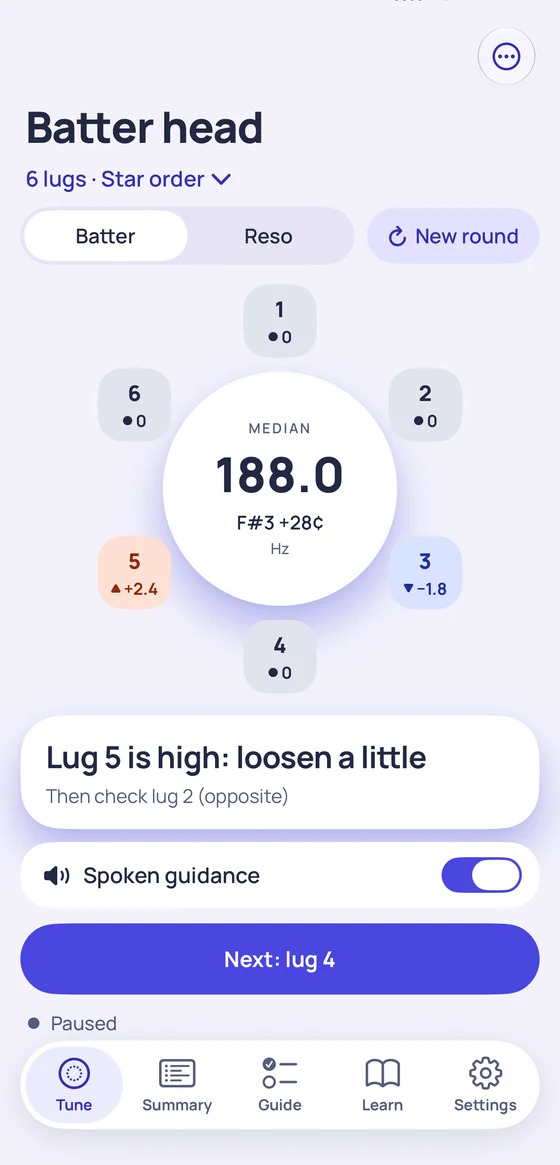
Put the phone down 30 to 60 cm away. Tap a lug and Tension records it and moves to the next one in star order. Tap any lug on the ring to redo it.
One clear instruction
A big color block you can read from the throne: which lug is high or low, and which one to check next. Grey when the head is even.
Numbers it can stand behind
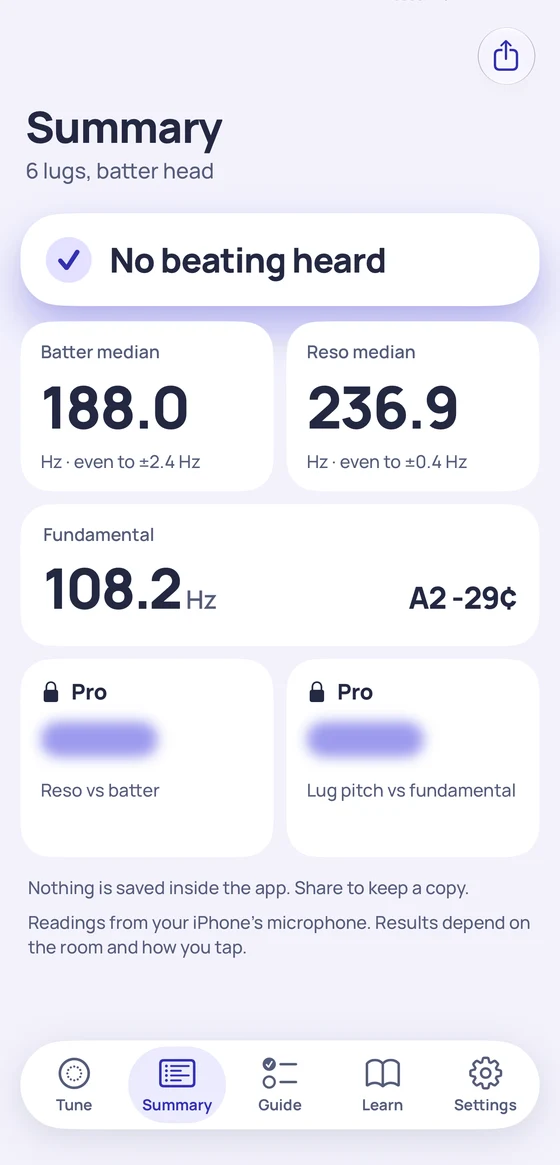
No number when the tap is unclear: it says Tap again and why. It also listens to the ring after each tap and tells you when an uneven head beats.
How to tap
- 1Lay the drum on a rug so the other head stays quiet. Snares off.
- 2Put your phone on the floor or a chair, 30 to 60 cm away.
- 3Tap lightly about an inch in from the rim, next to a lug.
- 4Turn the lug Tension names, a little at a time, then tap it again.
Free to tune. Pro once.
Free, forever
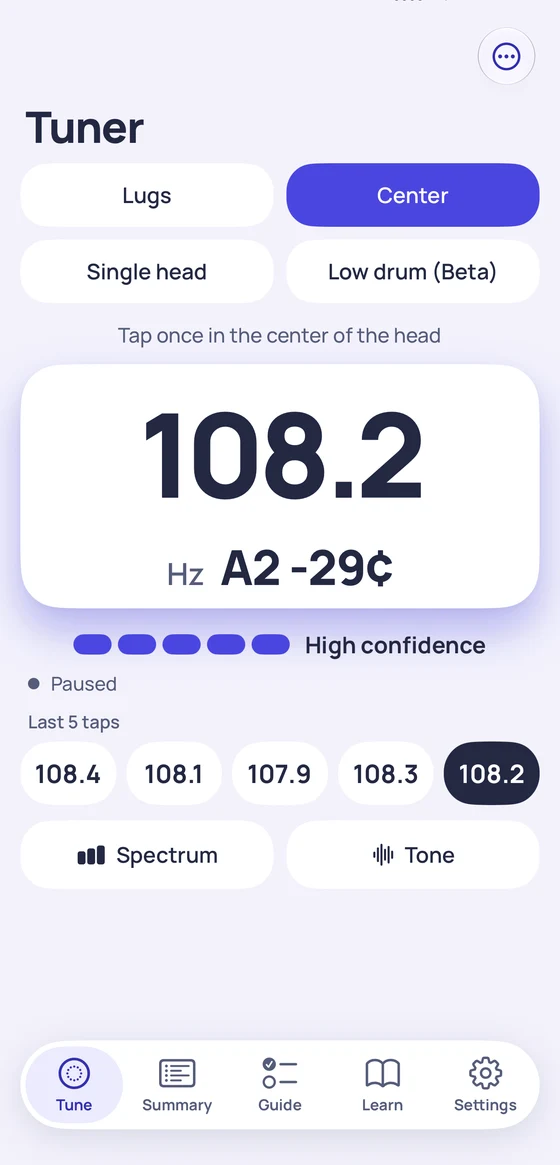
Lugs, Center, Single head and Low drum (beta) modes, the lug map for batter and reso, beating detection, the step-by-step guide, the articles, and sharing your readings as text or CSV. Measuring is never locked.
Tension Pro, once
A one-time purchase, no subscription: ratios between your readings, spectrum view, tone generator, PDF tuning card. Family Sharing on.
Private by design
No account, no analytics, no ads. The sound is analyzed on your iPhone and never recorded or sent. Privacy policy.
Questions
Do I need an account?
No. There is no sign-in and no server. Everything runs on your iPhone, and it works in Airplane mode.
Is it free?
Tuning is free forever with no ads: every measuring mode, the lug map for both heads, beating detection, the guide and the articles. Tension Pro is a one-time purchase that adds ratios between your readings, a spectrum view, a tone generator and a PDF tuning card.
Does it tell me what pitch to tune to?
No. Tension measures and compares what you tap: lug against lug, top head against bottom head. Choosing the sound is up to you.
Why does it sometimes say Tap again?
Tension only shows a number when the tap gives a clear, steady pitch. Otherwise it says why, for example the pitch was still falling after a hard hit, or it sounded like an overtone.
Does it save my drums?
No. Readings stay on screen for the session. Use Share to keep them in Notes, Files or a message.
How accurate is it, and what we could not test: see the test results.